









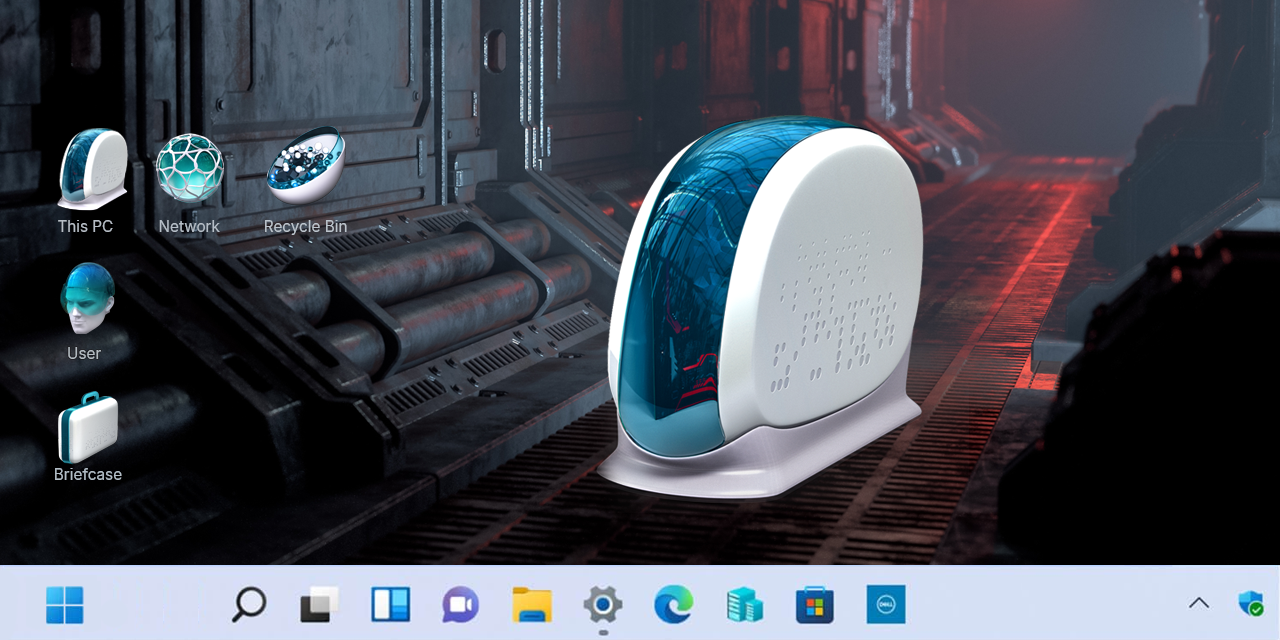
Introduction
Most desktops suffer from visual entropy.
Clashing colors. Inconsistent metaphors. Icons designed for another decade.
CODE X exists to correct that.
It replaces noisy defaults with a controlled, futuristic system built around white folder icons and precision geometry. The result is not decoration. It is visual discipline.
For enthusiasts, professionals, and gamers, the desktop is not a background. It is an interface.
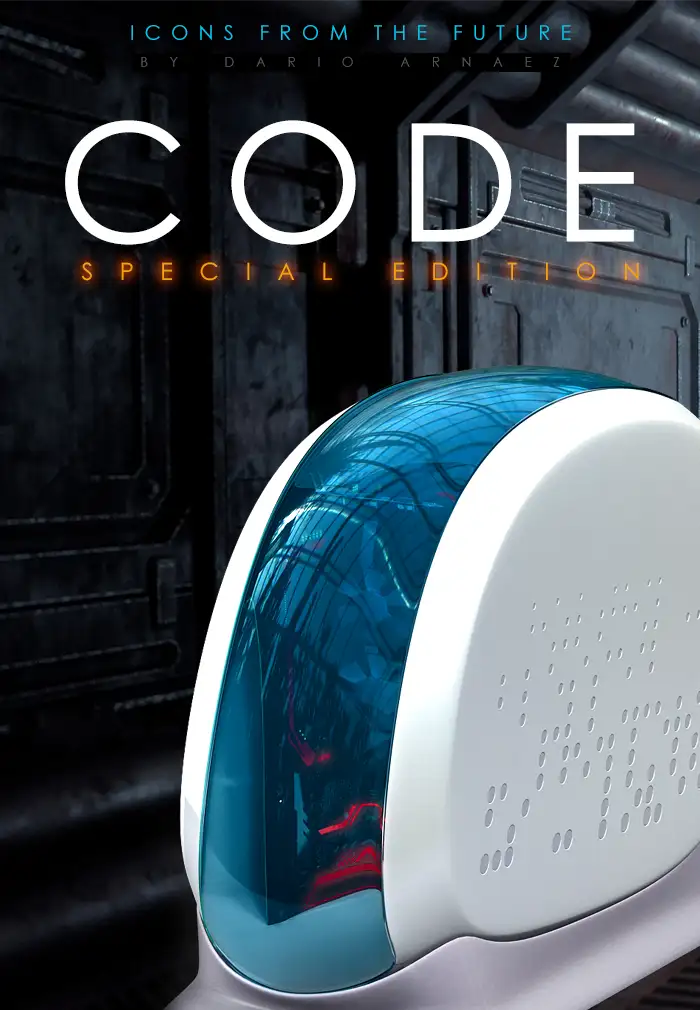
CODE Icon theme
“In a world older and more complete than ours they move finished and complete, gifted with extensions of the senses we have lost or never attained, living by voices we shall never hear.”
The CODE X Design Language
CODE X adopts white not as a trend, but as a system choice.
White reduces distraction. It amplifies contrast. It allows symbols to speak clearly.
Each folder icon feels machined rather than illustrated.
Edges are firm. Surfaces appear composite. Subtle texture prevents sterility while preserving restraint.
This is a modern icon theme designed to feel engineered.
Not playful. Not ornamental. Purpose-built.
Conclusion
Inside the CODE X Icon Theme
CODE X is delivered as a complete Iconpackager 10 theme for Windows 10 and Windows 8.
No fragments. No compromises.
Included in the package:
-
11 Desktop icons
-
17 Start menu icons
-
38 Folder icons
-
10 Drive icons
-
10 Other system icons
-
40 File type icons
-
15 Cursors
-
5 Quick Launch icons
-
10 Control Panel Home icons
-
32 Control Panel icons
-
Applications and Games icons
-
50 Program and game icons
A high-definition wallpaper, “STRESA,” completes the visual system.
It anchors the icons in a coherent environment instead of floating them on visual noise.
From Ordinary to Futuristic
CODE X does not simply change how your desktop looks.
It changes how it feels to use.
Folders become instantly scannable.
Icons stop competing for attention.
Navigation feels faster because your eyes work less.
For gamers, the interface echoes hardware aesthetics.
For tech professionals, it reinforces clarity and order.
For enthusiasts, it finally makes Windows feel intentional.
This is how a boring desktop becomes a futuristic interface.
Installation and Compatibility
CODE X is built for stability and ease.
Requirements:
-
Windows 10 or Windows 8
-
Iconpackager 10 by Stardock
Installation takes minutes.
Once applied, the theme integrates at system level, ensuring consistency across folders, drives, panels, and applications.
No manual icon swapping.
No visual drift.
Beyond Icons: Building a System
CODE X works best as part of a larger customization strategy.
Pair it with minimal wallpapers. Use restrained accent colors. Let white dominate.
To explore another approach to futuristic design, read
“OVO X – Modern Icons for a Futuristic Desktop.”
It offers a different interpretation of future-facing iconography while maintaining professional polish.
For users who want to go further, OHMY Stickers offers additional customization products for Windows and Mac. Digital tools that extend the same mindset beyond icons alone.
Why CODE X Works
CODE X respects your attention.
It removes excess. It enforces order.
In a world of overstimulation, a clean system is not a luxury.
It is a performance upgrade.